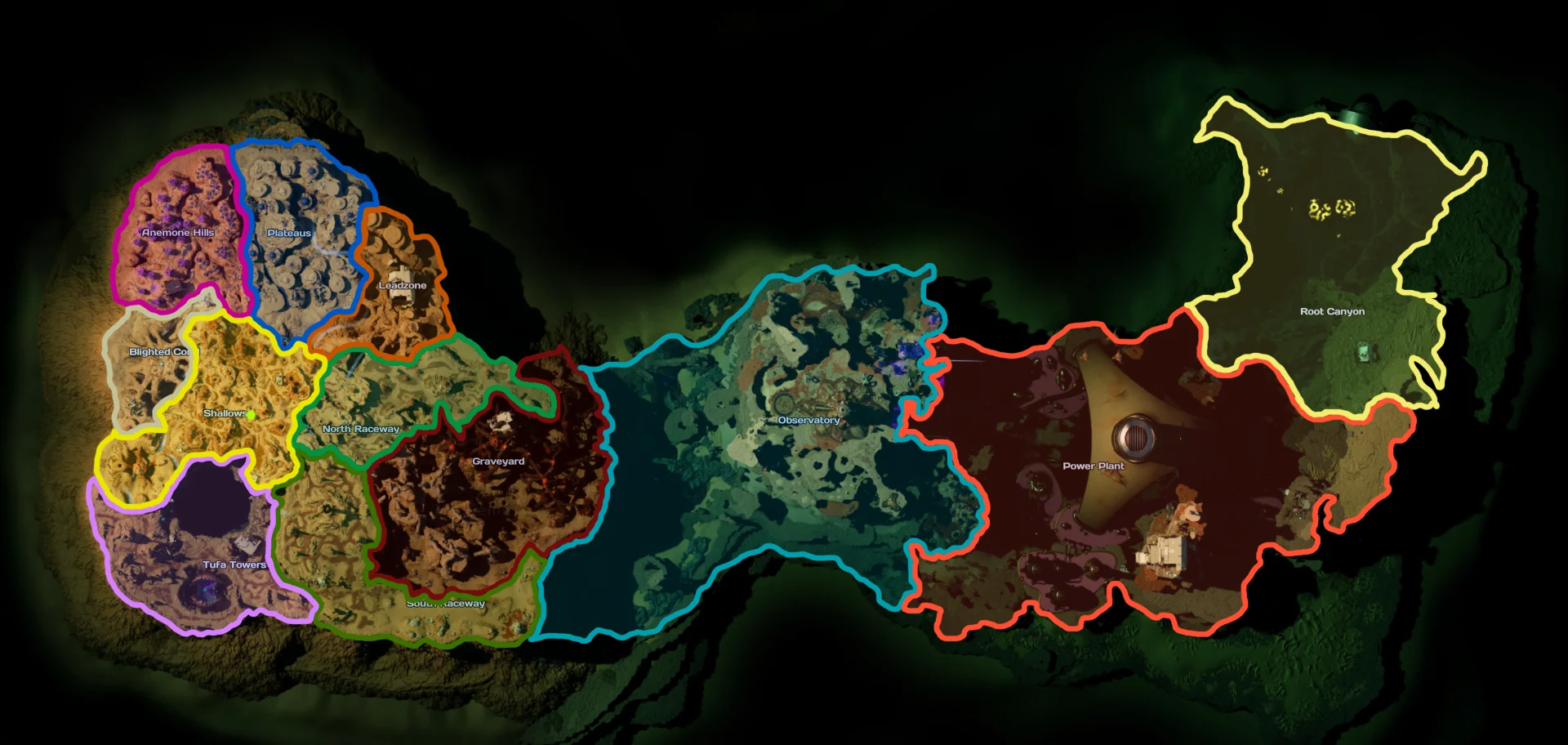
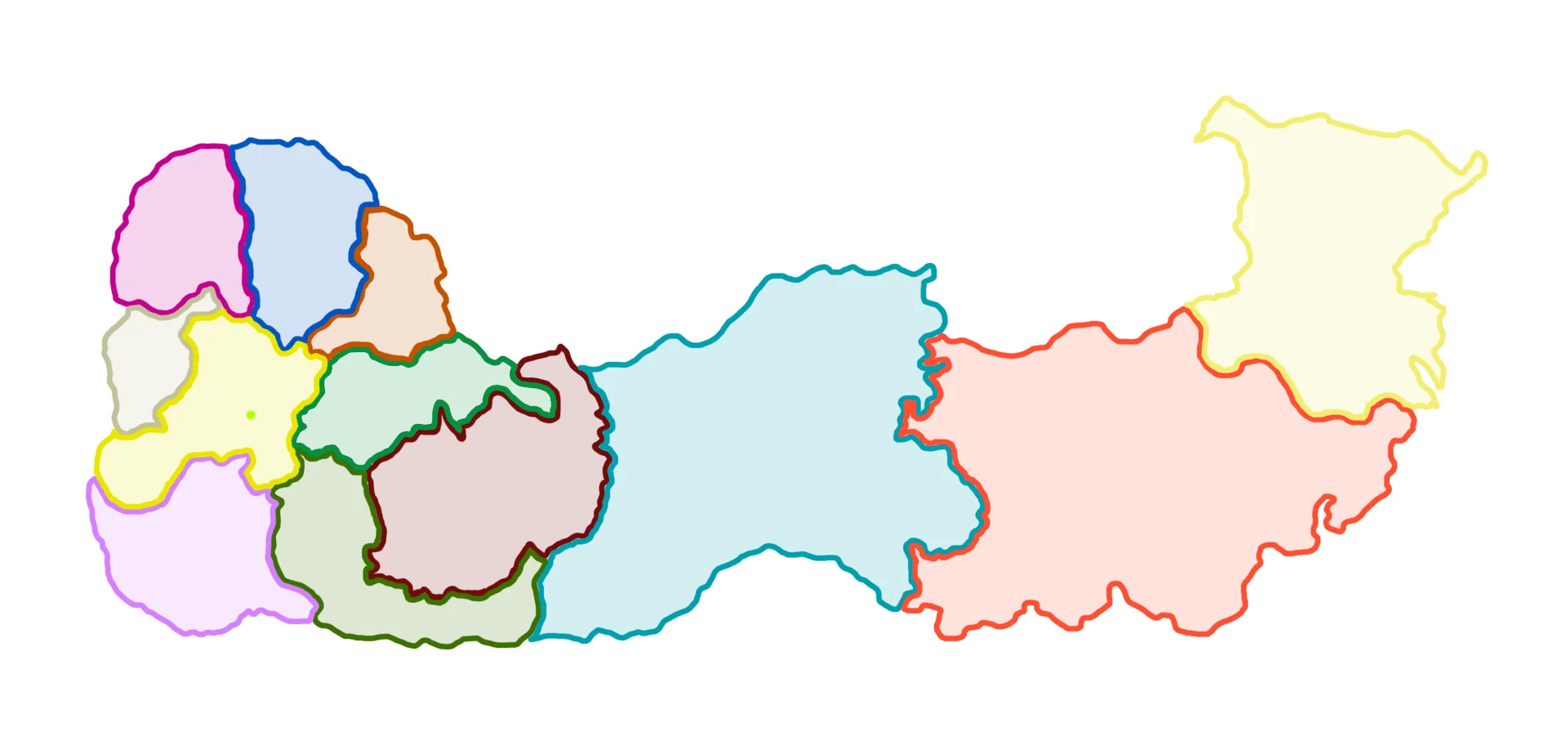
Subnautica 2 Interactive Map
Search the SN2 Wiki interactive map for Silver, Gold and Lead markers, then use world map previews and resource screenshots for faster route planning.
Find Silver, Gold and Lead locations
Use the resource screenshots below as the fastest answer: check the highlighted Silver, Gold and Lead clusters, then open the interactive map for zoom, filters, and route planning.
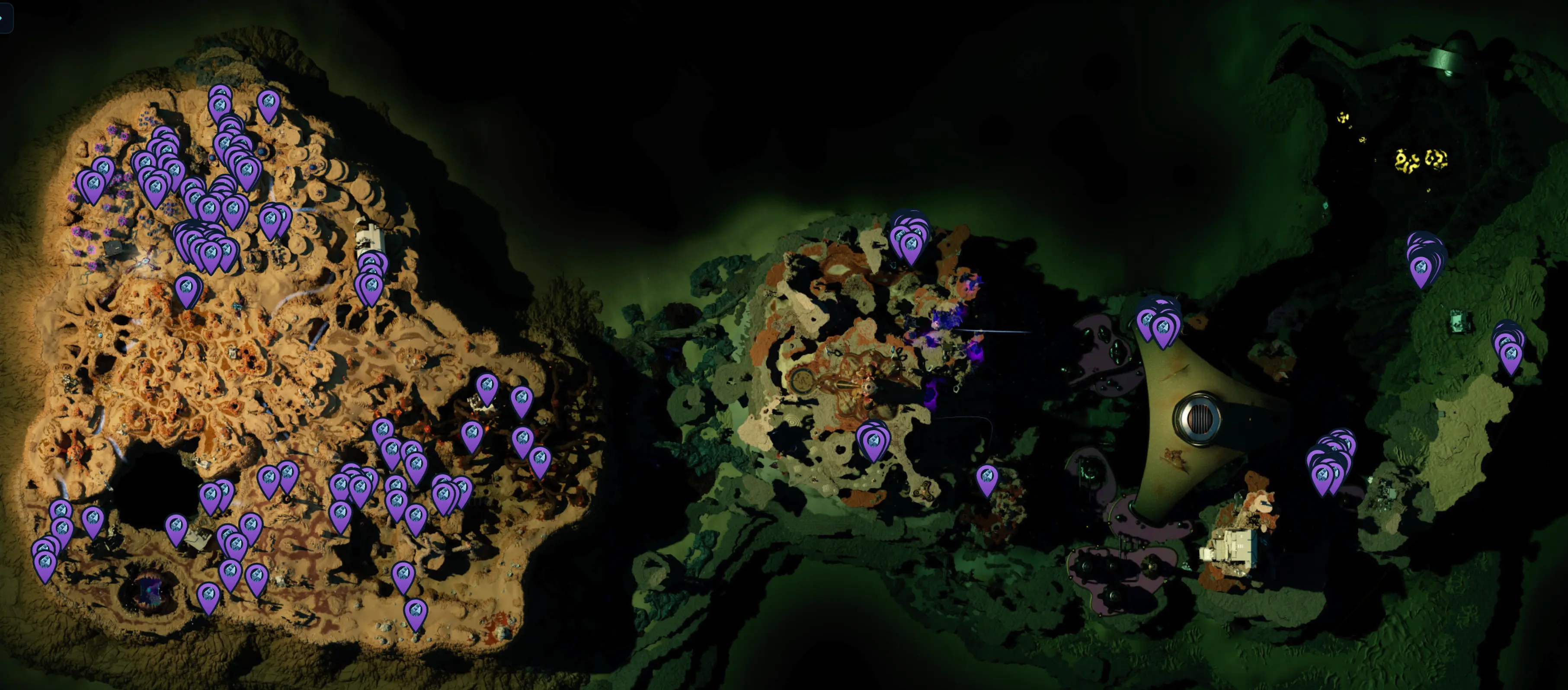
Static Silver map screenshot for quick lookup. Use the resource map gallery below for the newer Silver route captures.
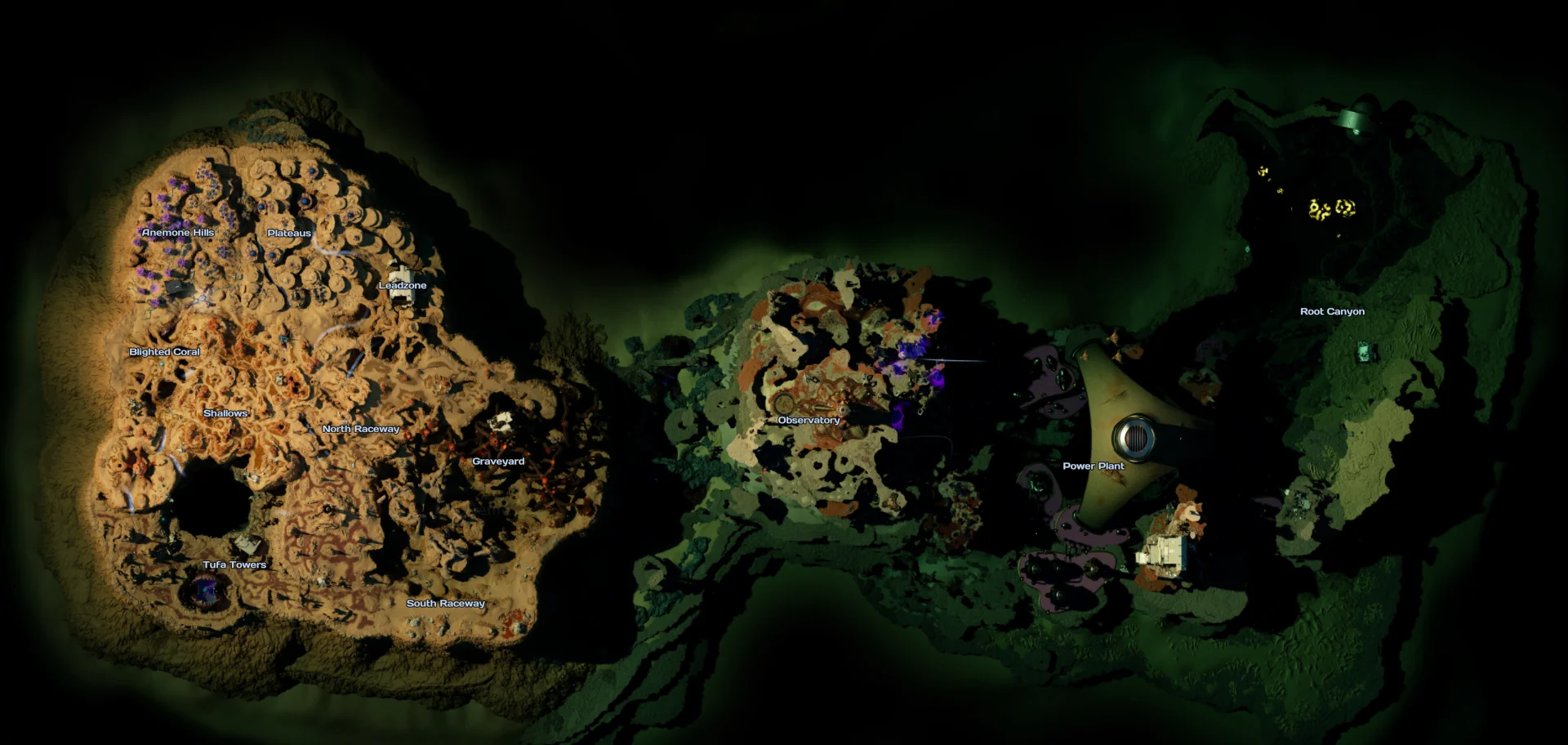
Interactive world map
The world map preview keeps resource route entry points. Open the dedicated explorer when you need resource search, tile zoom, markers, and route planning.
Resource distribution maps
Static resource map screenshots for quick lookup. Select a resource to preview its marker distribution.
Silver resource map
685 visible markers in the current map datasetMap image previews
Static map images collected for quick comparison. All homepage map thumbnails lead to this single map page.